
Create a summary from the saved transcript, review its cost and update it after editing
The summary follows the main language of the saved text; selecting an interface language does not translate it
Requirements and cost
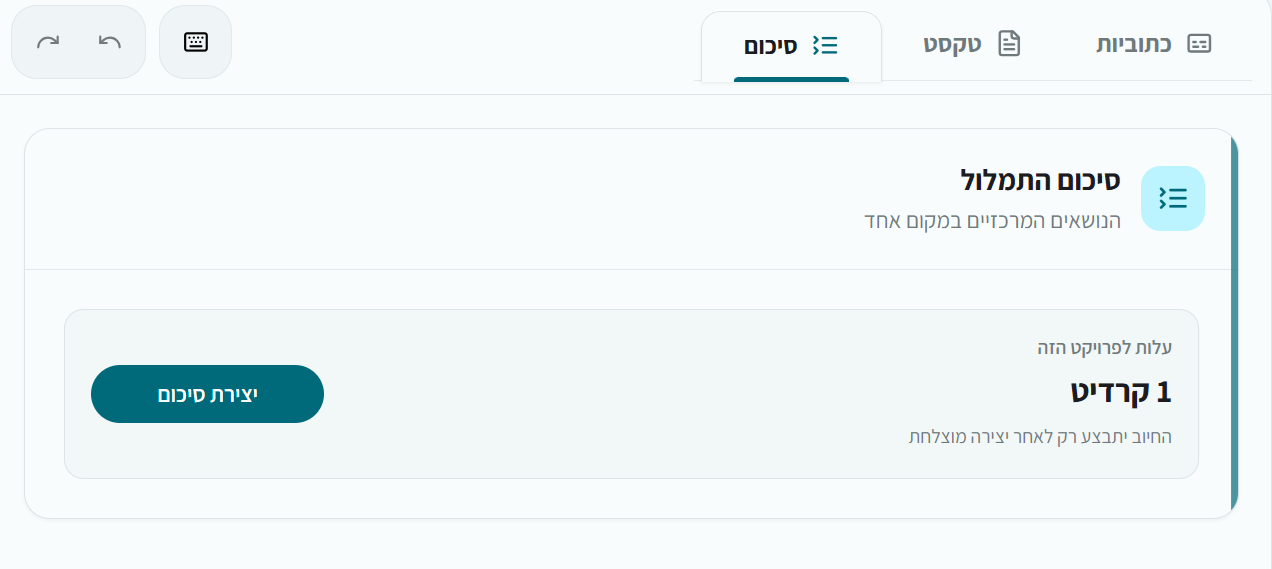
Available from the Basic plan. A summary costs 5 credits per hour of transcription, with a minimum of 1 credit, charged only after successful creation. The summary uses the saved transcript, so transcription must finish first
Create a summary
- Enable summary creation when uploading, or open a completed project
- Choose Create summary from the dashboard or summary panel
- Review and approve the displayed credit cost
- Wait for the result, then copy it or export Word or text
After editing the transcript
Saving transcript changes marks an existing summary as based on an earlier version. Choose Regenerate to create a summary from the updated text and review the new cost. The previous summary stays available until the new one is ready
Check the result
If creation fails, check the message and available credits; failed creation is not charged. Automatic summaries can omit important qualifications. Check names, numbers and conclusions against the full transcript or original recording before relying on them