From a recording to text you can actually use
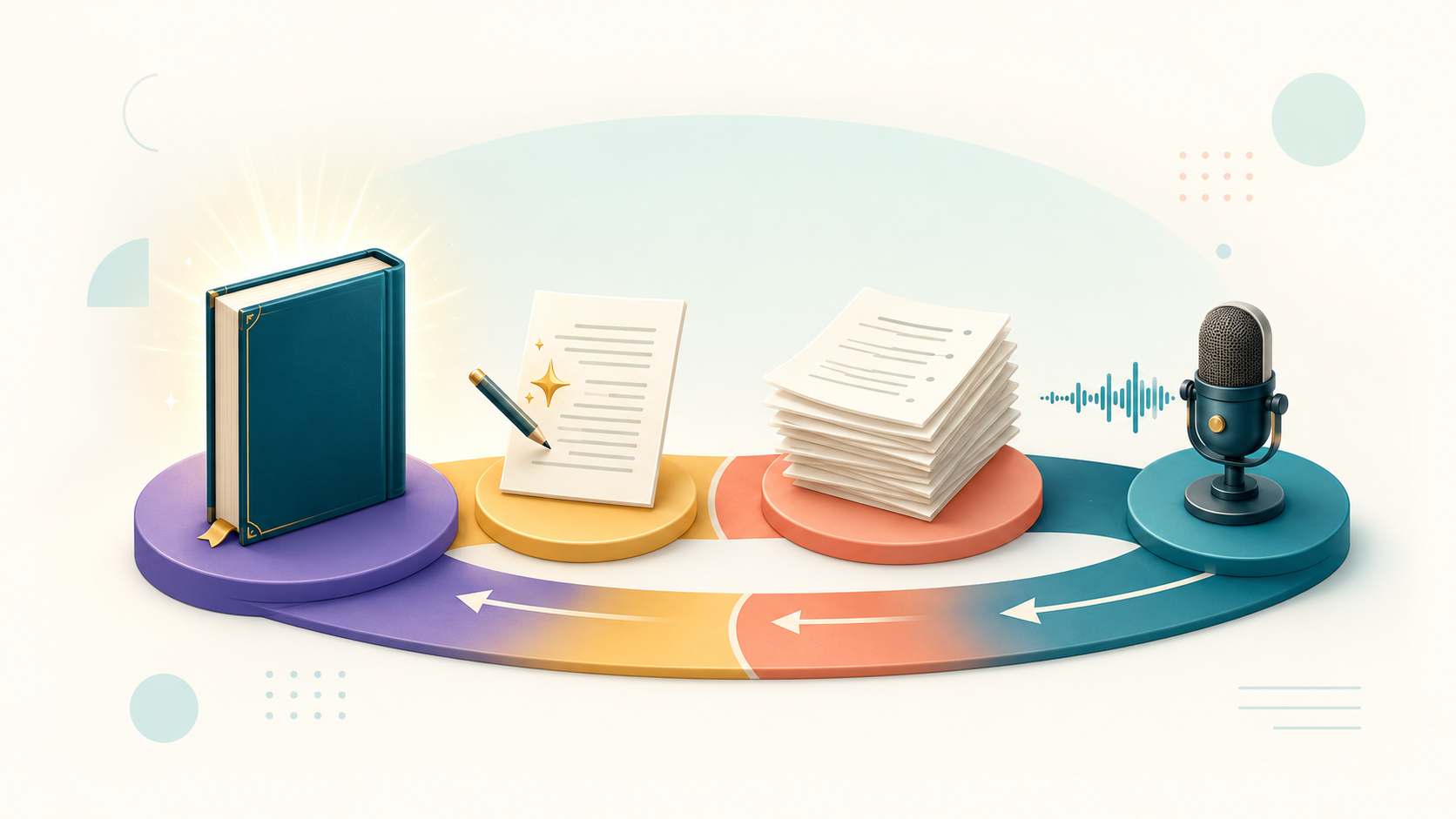
An automatic transcript gives you a first version of what was said. A useful document also needs a clear purpose, a check against the recording and a format that suits the next person who will use it. Those decisions matter whether your source is an interview, a lecture, a podcast or a team meeting.
Decide what you need before you start
For research, you may need to preserve hesitations and the speaker’s exact phrasing. For an article, you may want readable paragraphs while keeping quotations faithful to the audio. For a lecture archive, a searchable transcript can be more useful than a polished essay. Write down the intended use before editing so that you do not remove details you will need later.
Transcription, translation and summarization are different tasks. A transcript follows the spoken content. A translation changes its language. A summary selects the main points and leaves out detail. If you need a reliable quotation, return to the transcript and audio rather than quoting a summary as if it were a verbatim record.
Already recorded? Turn it into text
Upload a shiur or lecture and get a Torah-aware transcript draft ready to review, edit and export
Start by uploading a file • No credit card needed
Prepare the source recording
Listen to the beginning, middle and end of the file. Check that the expected speaker is audible and that the recording has not stopped early. Keep the original file so that you can compare the result with the source later. Renaming the file with a date and a recognizable subject also makes a growing archive easier to navigate.
A clear recording helps the review process. Position the microphone near the speaker and reduce competing sound where possible. If two people speak over each other, the transcript may need extra attention at that point. Changing a file extension does not improve its sound or convert its format.
Create and check the transcript
In Alef Bot, start a project from the dashboard and select an available recording source. Check the processing settings and the cost shown before starting. The sources and limits available to you depend on your account and plan. For the upload steps, see prepare and upload a recording.
When the project is ready, read while listening. Start with names, numbers, specialist vocabulary and any sentence you intend to quote. Jump to the beginning of the relevant segment in the editor to hear its context. A sentence that reads smoothly can still differ from what the speaker said.
For a meeting, distinguish an idea from an agreed action. For an interview, make sure a question and its answer have not been merged into one statement. For a lecture, check unfamiliar terms before replacing them with a more common word. These checks protect meaning as well as spelling.
Edit for the intended reader
Use short paragraphs and headings when preparing a document for reading. Keep a clear distinction between the speaker’s words and your own explanatory notes. If a passage is unclear, mark it for another listen instead of inventing a plausible completion. A second reviewer is particularly useful when the transcript will support a quotation or a public publication.
For video subtitles, review timing as well as wording. A good reading document is not automatically a good subtitle file: captions must also remain aligned with the recording and be readable on screen.
Deliver the right version
Choose Word when the next person will continue editing, PDF for a reading copy, text for a plain transcript, or subtitles when you need text with timing. Review the exported file before sending it. Check that corrections are present and that paragraphs, characters and timestamps appear as expected.
Keep the source recording, the checked transcript and the final document together with clear names. This makes it easier to answer later questions without repeating the entire process. See export and download for the available export workflow.
Was this helpful?
Share this article with friends