Word, PDF, text or subtitles: choosing a transcript format
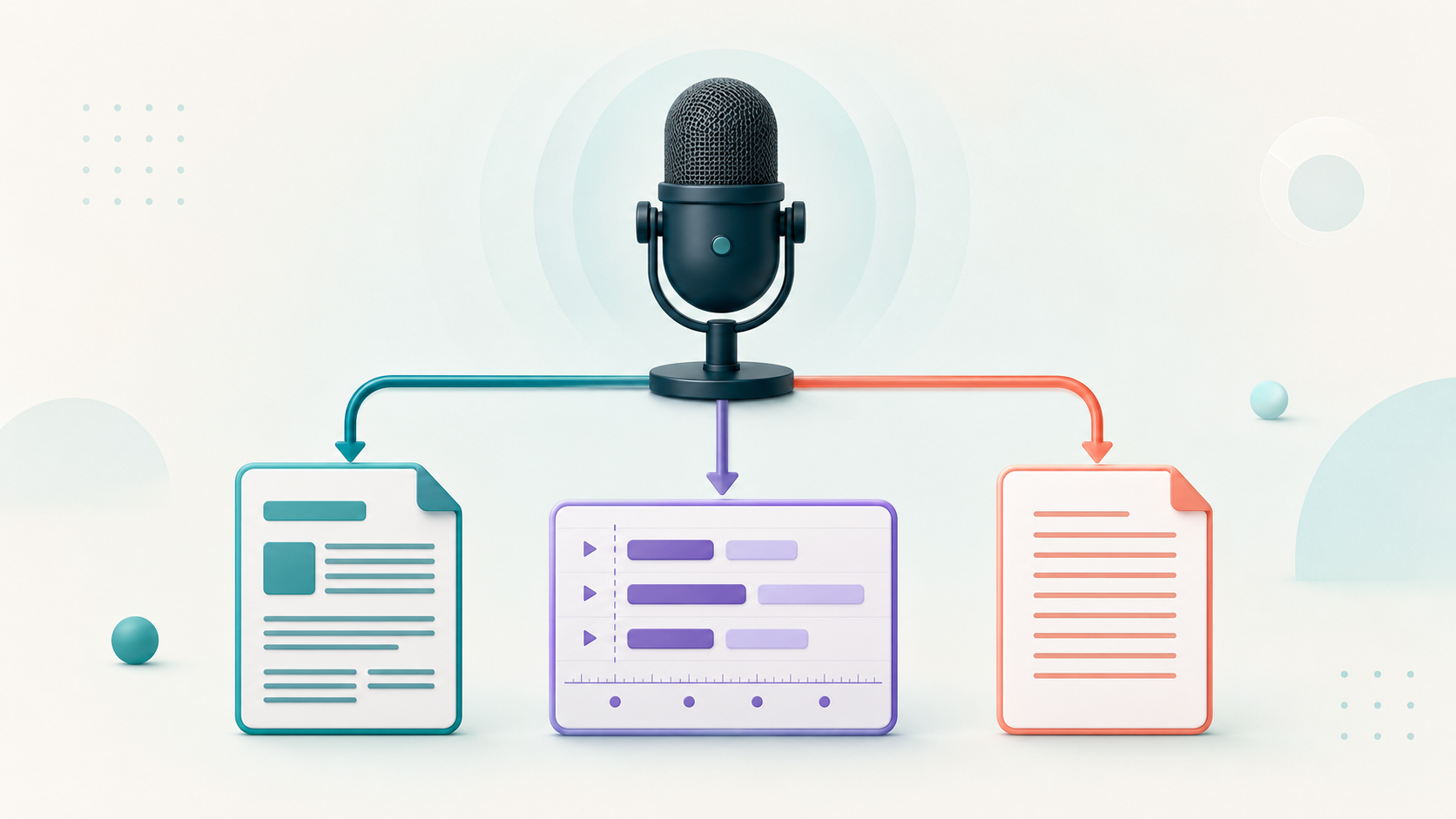
The right transcript format depends on what happens next. Someone editing a report needs a different file from someone adding captions to a video. Decide on the next task before exporting, and keep the recording available for later checks.
Word for continued editing
A Word document is useful when you want to revise paragraphs, add headings or work on the transcript in a document editor. Check the exported text before making a new editorial version. If someone else will edit it, agree on how to distinguish their changes and comments from the speaker’s original words.
For a lecture that will become a handout, keep a checked transcript as your source and create a separate edited document. This avoids losing the record of what was actually said while improving readability.
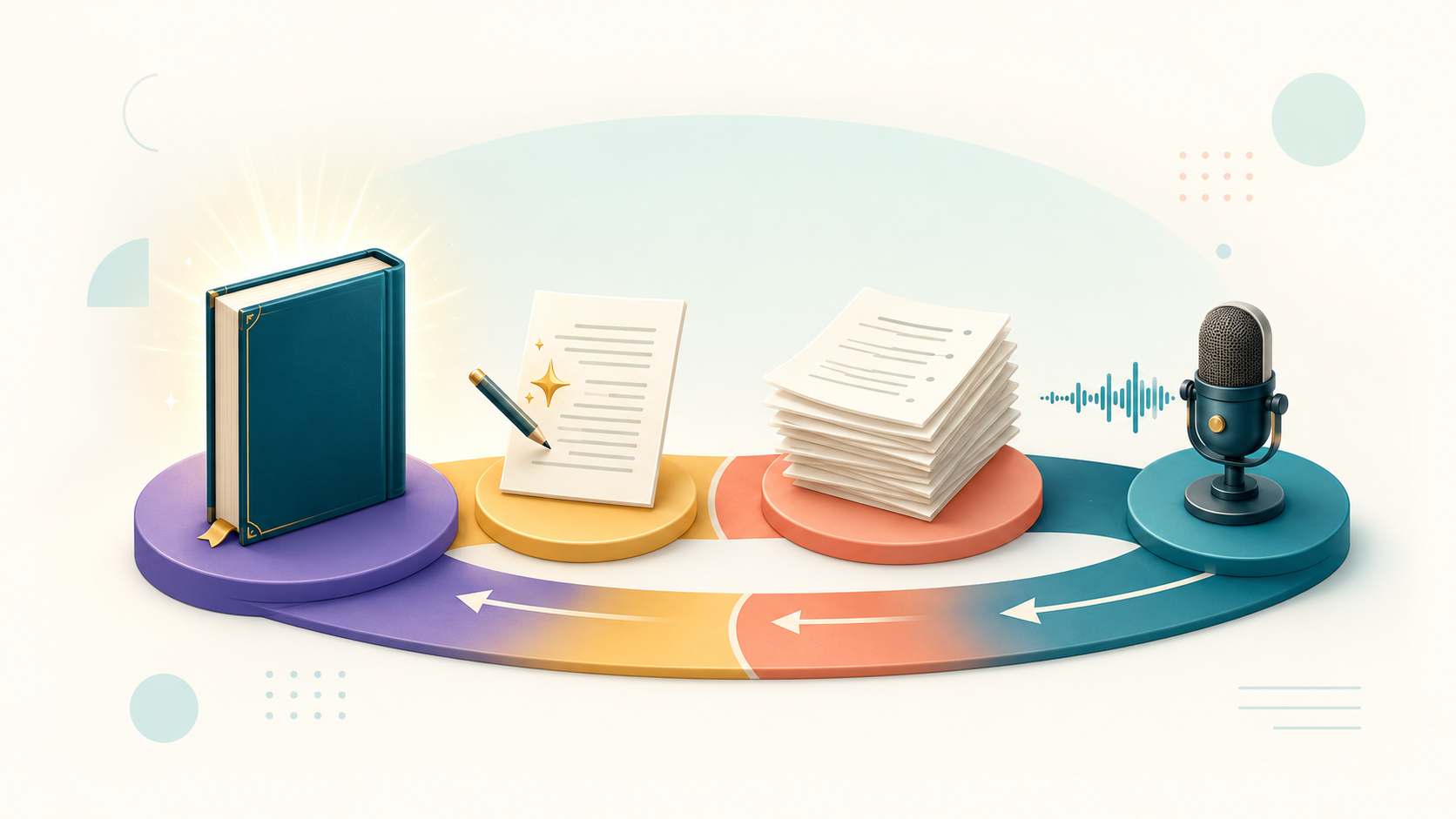
Your recordings can become edited material
Start with transcription, review the text and export a document for further editing, layout or publishing
Start by uploading a file • No credit card needed
PDF for a reading copy
PDF is useful when you want to distribute a document for reading with a defined layout. Open the exported PDF and review page breaks, headings and mixed-language passages. A PDF should be treated as a delivery copy; keep an editable version if you expect further corrections.
Plain text for a simple archive
Plain text keeps the words without document styling. It can be useful for searching, copying passages or moving text into another tool. Check that the target application reads the characters correctly, especially when Hebrew or Yiddish appears beside English or French.
A text file is not a substitute for a subtitle file when you need timed captions. The words alone do not tell the player when to display each passage.
Subtitles for timed display
A subtitle file contains text together with timing. Use it when a video player or editing tool needs captions aligned with the recording. Check which subtitle format the destination supports, then test it with the actual video.
Subtitle appearance is controlled by the player or video editor. Downloading a subtitle file does not by itself burn captions into a video. After editing text or timing, preview the result again and check for lines that appear too briefly or at the wrong moment.
Check before sharing
In Alef Bot, the available export choices depend on the project. Save your edits, export the chosen format and open the downloaded file. Check a few corrected passages and the beginning and end of the document. Use clear filenames so that an earlier draft is not mistaken for the final version.
For the product steps, see export and download. If the content still needs checking, start with reviewing an AI transcript.
Was this helpful?
Share this article with friends